
Get HuboTeams on your device
Install it once and it works like a normal app — check in, apply for leave, see your payslip, chat with your team, all from your desktop or home screen.
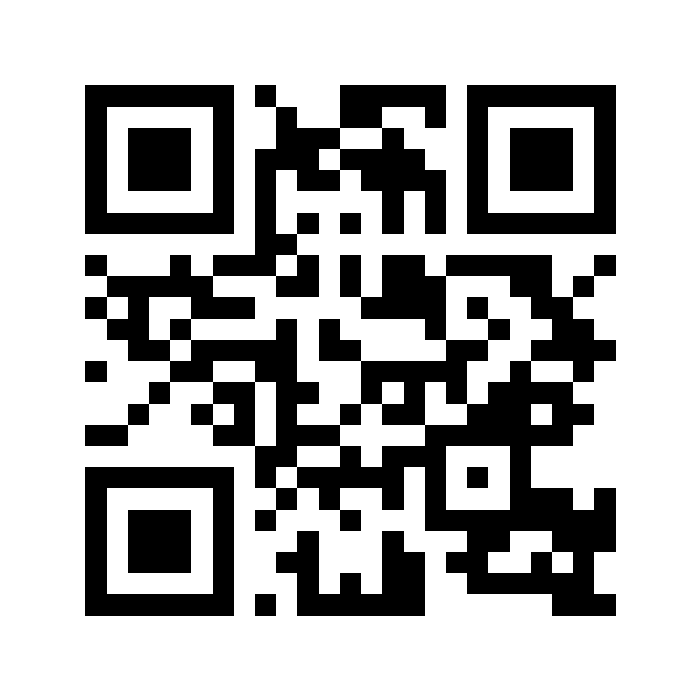
Scan with your phone camera
or go to tms.huboweb.com
On Windows (Chrome or Edge)
- 1Open tms.huboweb.com in Chrome or Edge
- 2Look at the right side of the address bar — click the install icon (⊕ or a small screen-with-arrow icon)
- 3If you don't see it, click the ⋮ menu (top right) → “Apps” → “Install HuboTeams”
- 4Click “Install” — it opens in its own window and a shortcut appears on your Desktop and Start Menu
On iPhone (Safari)
- 1Open tms.huboweb.com in Safari
- 2Tap the Share button (the box with an arrow)
- 3Tap “Add to Home Screen”
- 4Tap “Add” — the app icon appears on your home screen
On Android (Chrome)
- 1Open tms.huboweb.com in Chrome
- 2Tap the ⋮ menu (top right)
- 3Tap “Install app” or “Add to Home screen”
- 4Confirm — the app icon appears on your home screen
Nothing to download from an app store — it's the same secure site, just on your home screen.